


Online Booking
Let customers schedule services 24/7 from your website or customer portal
GorillaDesk online booking allows current customers or leads to schedule their services directly from your website or customer portal. New bookings start as pending until your team confirms them.
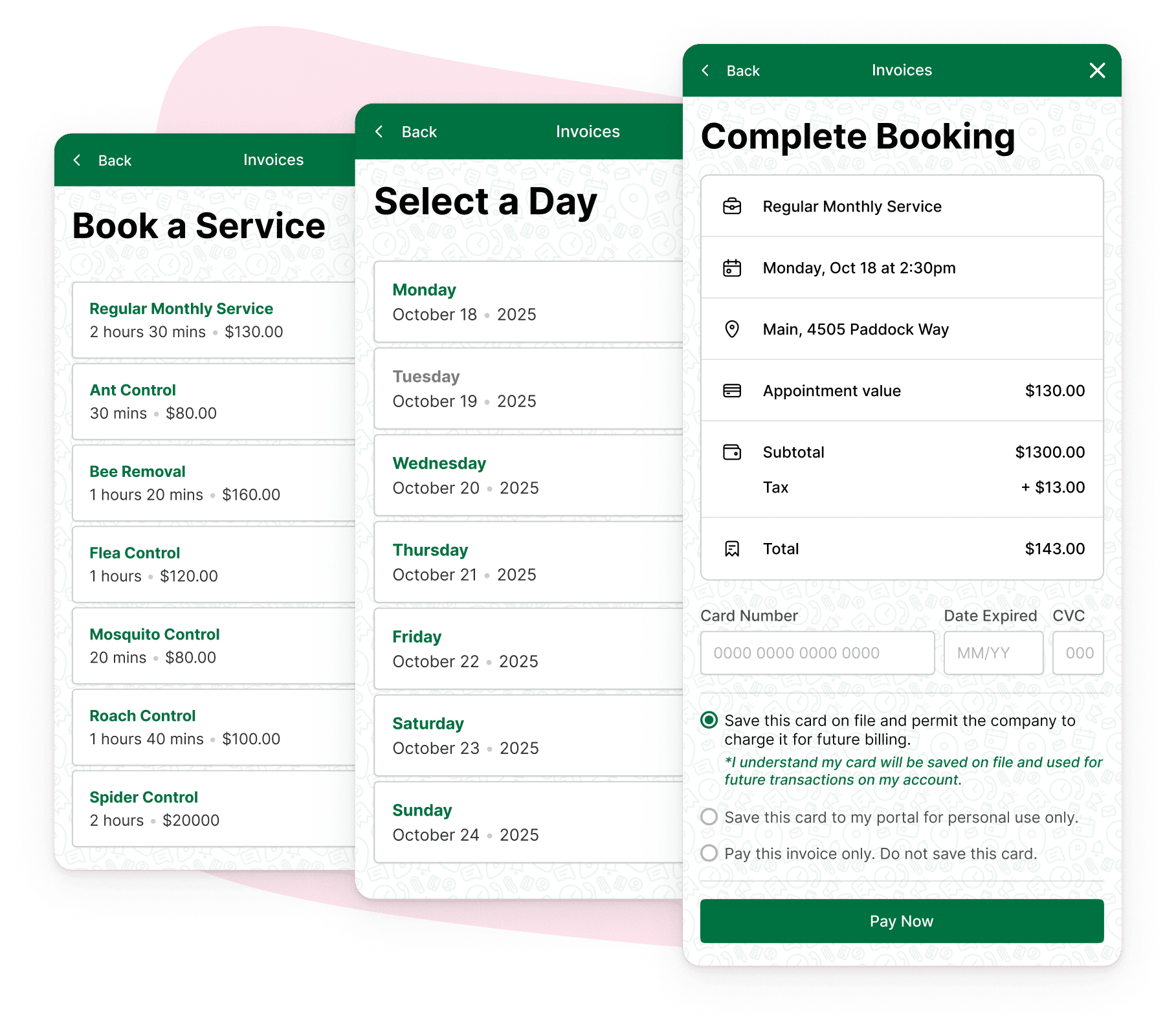
Online booking offers:
Website widget
Embed a Book Online flow on your site with one install snippet.
Customer portal
Add a Book a Service option inside your customer portal.
Email & SMS links
Drop the Book Online variable into templates as a button or link.
Booking settings
Require payment, allow same-day bookings, and exclude weekends.


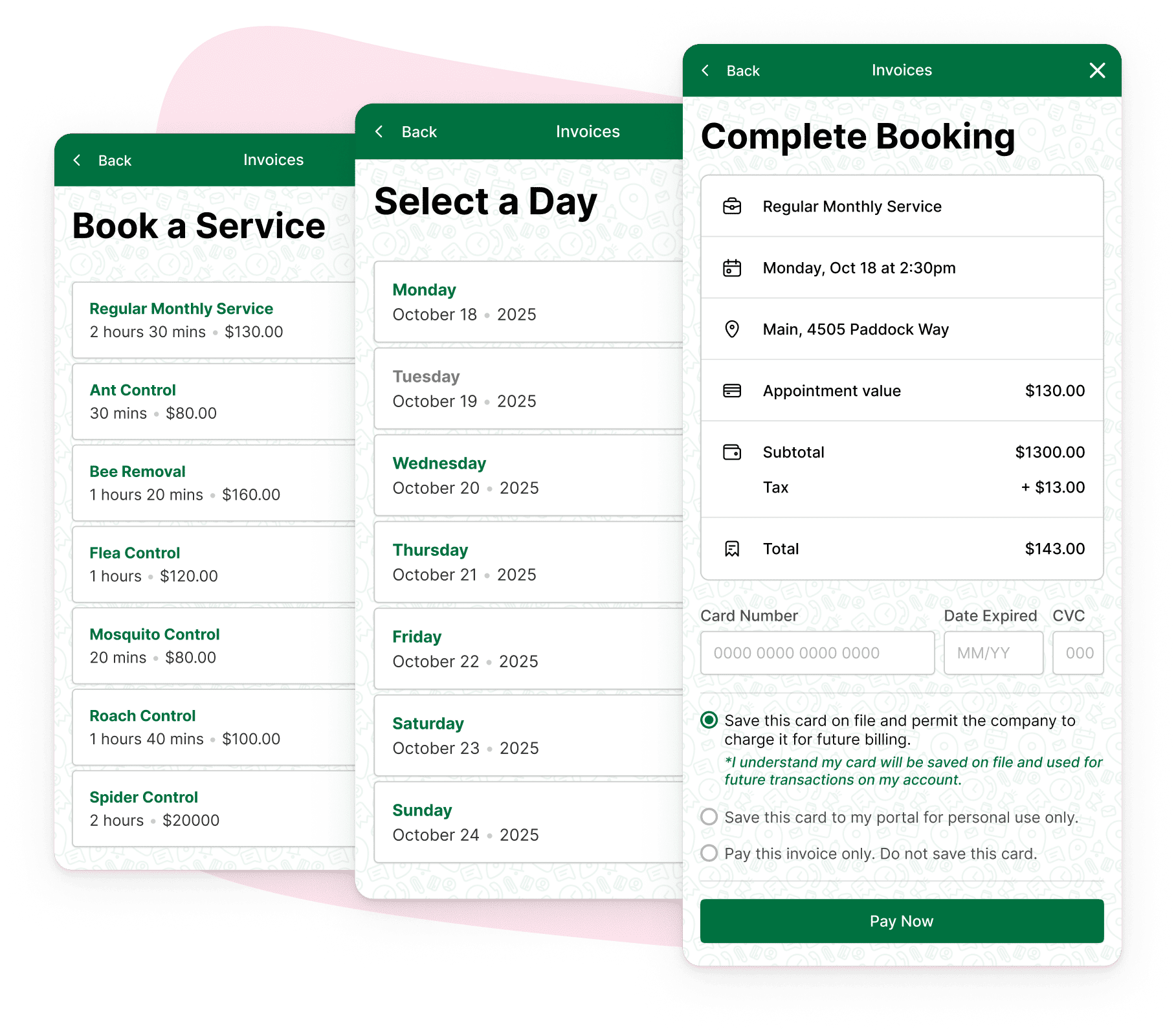
Website
Capture leads while you sleep
Integrate the online booking widget into your website so prospects and customers pick services, choose a time, and submit a request without calling the office. You receive a notification as soon as a booking is submitted.
Try GorillaDesk free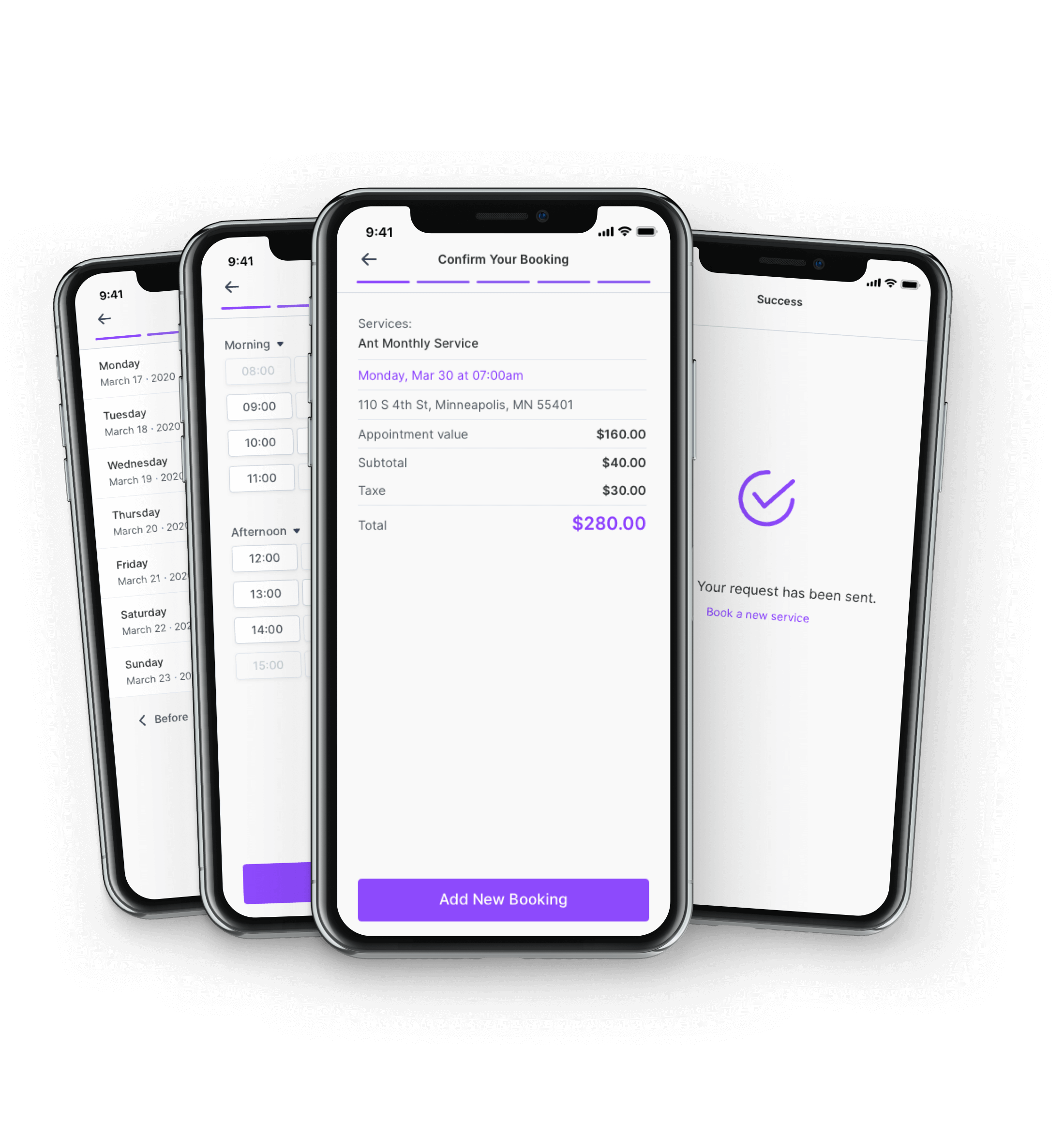
Customer portal
Let loyal customers self-serve
Toggle online booking on in the customer portal and customers see a Book a Service option alongside estimates, invoices, and documents. Whether they start from your site, portal, email, or SMS link, they follow the same simple booking flow.
Try GorillaDesk free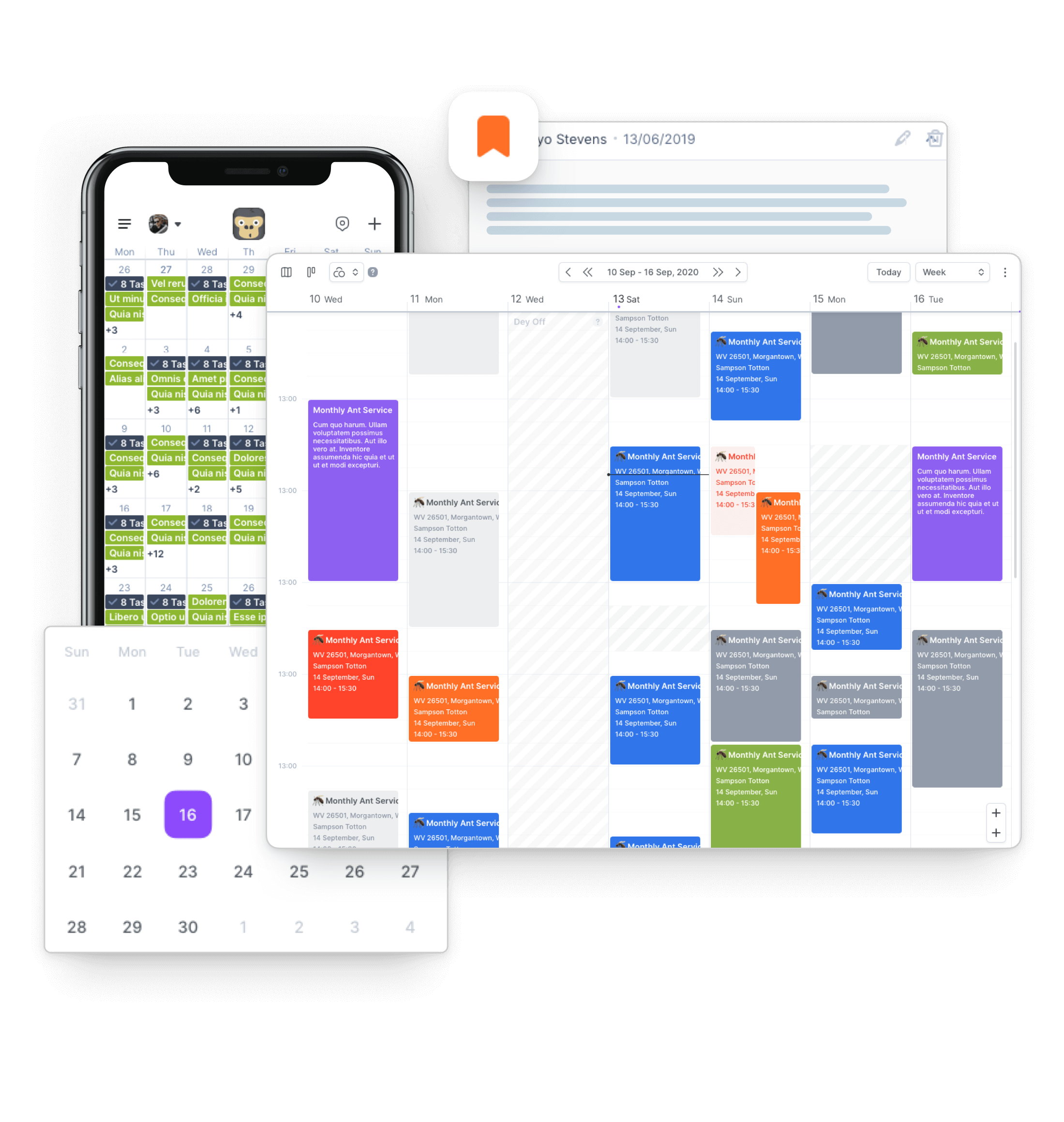
Settings
Set the rules once
Require card payment before a slot is held, allow or block same-day bookings, and exclude weekends when you only run Monday through Friday. Match online booking to how your team actually operates.
Try GorillaDesk for set the rules once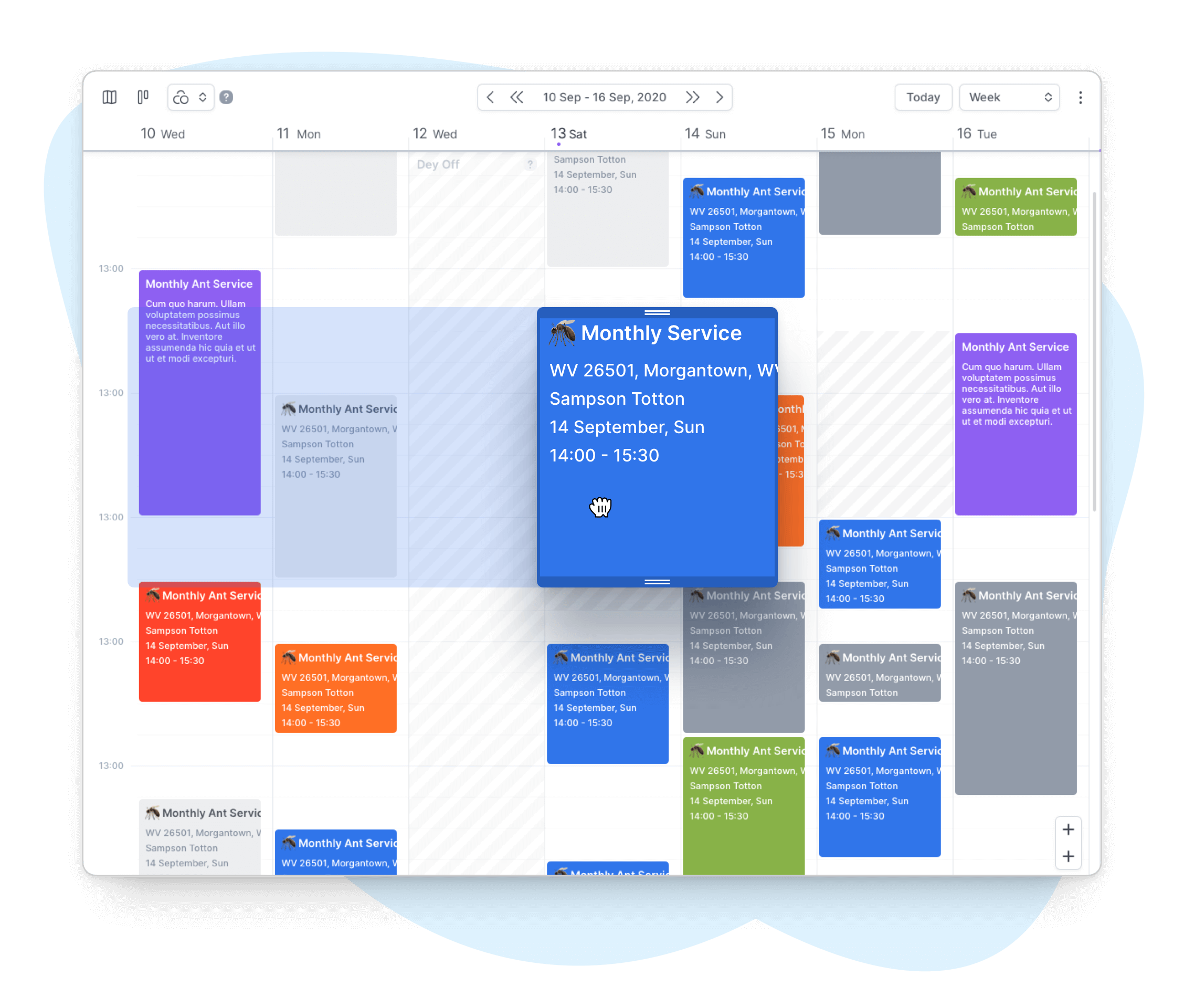
Dispatch
Confirm before jobs hit the route
All new online bookings start as pending until a user confirms them. Review the Online Booking report, match new leads to customer accounts when needed, and promote confirmed jobs to your calendar.
Try GorillaDesk freeStill have questions? We've got answers.
Who can use Online Booking?
Online Booking is available to GorillaDesk Pro plan users. Enable the add-on under Add-ons, or toggle it on from the customer portal settings.
How do customers book a service?
Customers choose services, pick an available time, and confirm their booking from your website widget, customer portal, or by clicking the Book Online button in an email or SMS.
Do online bookings go straight to my calendar?
New bookings start as pending until your team confirms them. Check notifications and the Online Booking report so nothing slips through before jobs are scheduled.
Can I require payment at booking?
Yes. Turn on Card Payment Required in online booking settings to collect payment before a customer can complete a booking.
How do I add online booking to my website?
Copy the installation code from Add-ons > Online Booking and paste it before the closing body tag on your site. The widget inherits your booking rules automatically.
See it run on your routes
Start a 14-day trial — no credit card, free data migration, and AI agents included on every plan.